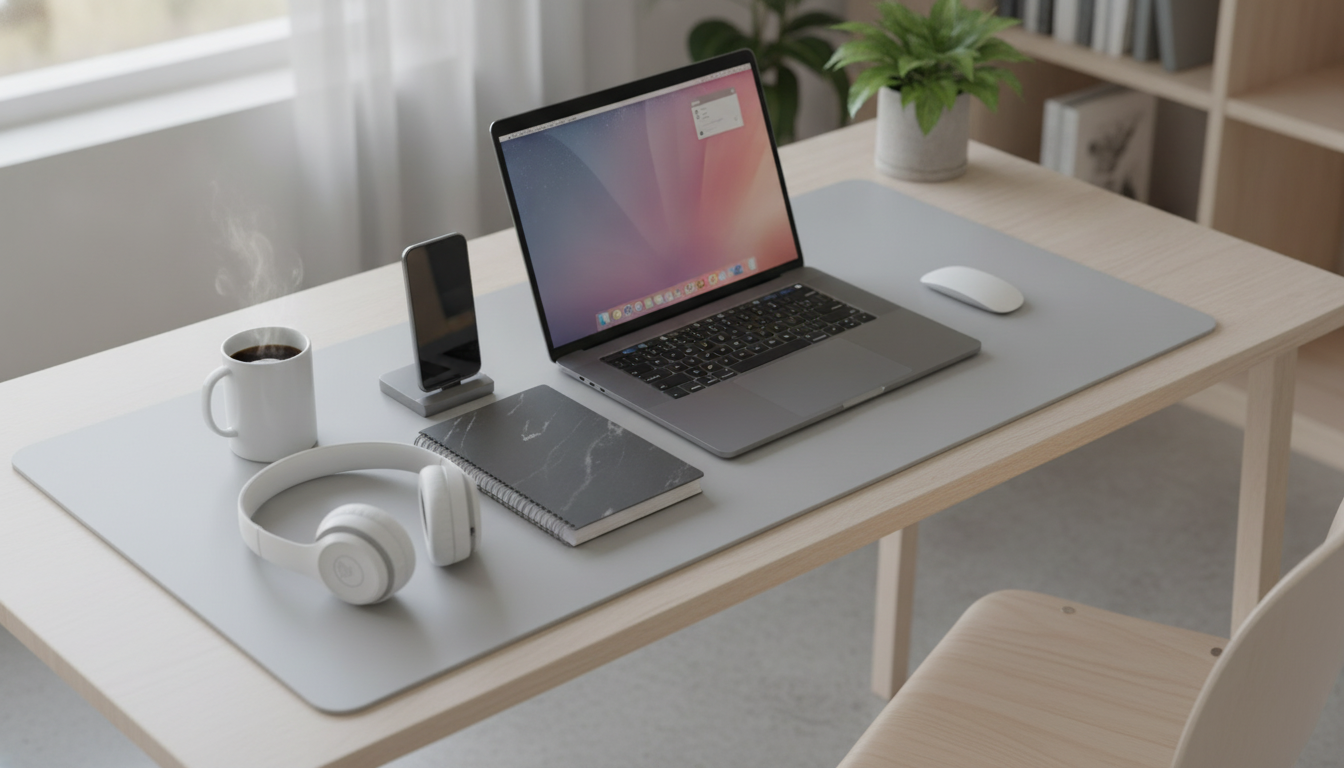
A desk pad can do more than look good: it can protect the surface from spills, reduce noise, and create a smoother area for mouse movement and writing. A large waterproof PU leather desk pad is designed to cover a wide portion of the desktop while staying easy to wipe clean and comfortable for daily work, study, and gaming.
What a Waterproof PU Leather Desk Pad Does
A full-size desk pad acts like a buffer between your daily routine and the desk itself. That simple layer can help a workspace stay cleaner, quieter, and more consistent to work on from morning to night.
- Creates a protective layer between the desktop and everyday wear like scratches, scuffs, and pen marks
- Helps contain minor spills so liquid doesn’t immediately soak into wood or reach seams and joints
- Adds a softer, warmer feel than bare laminate or metal desks, especially at the wrist and forearm
- Can reduce clacking sounds from keyboards and accessories by adding a dampening layer
For shared spaces (dorms, coworking, family desks), the “reset” factor matters too: wiping the surface quickly can make the whole setup feel put together again without rearranging everything.
Why PU Leather Works Well on a Desk
PU leather is popular for desk pads because it balances a clean, finished look with low-maintenance care. It’s designed to handle everyday friction and small mishaps without feeling sticky or fuzzy like some fabric mats can.
- Water-resistant surface supports quick wipe-downs after coffee, water, or ink incidents
- Smooth finish improves glide for many mouse types while still feeling stable under a keyboard
- Structured material helps the pad lie flatter than fabric mats that can bunch at the edges
- A more finished look than plain rubber mats for home offices, dorm rooms, and shared workspaces
When paired with good workstation basics—monitor height, chair support, and neutral wrist posture—small surface upgrades can make a noticeable difference in comfort and consistency. For workstation setup references, OSHA’s guidance is a helpful starting point: OSHA Computer Workstations eTool.
Fit and Layout: Getting the Right Coverage
“Large” desk pads can vary a lot. Before ordering, it helps to treat the pad like a layout tool: what do you want on top of it, and what needs to stay off it?
- Measure usable desk space and account for monitor stands, desk shelves, or clamp-style arms
- Decide whether the pad should sit under the keyboard only or also include the mouse area
- Leave clearance near desk edges if using clip-on cup holders, microphone arms, or cable clamps
- For multi-device setups, ensure enough width for a laptop plus an external mouse area
Quick Desk Pad Fit Guide
| Desk setup |
Recommended coverage |
What to watch for |
| Laptop only |
Medium-to-large pad under laptop and mouse |
Leave space for ventilation and cable routing |
| Laptop + external keyboard |
Large pad spanning keyboard and mouse |
Check that keyboard feet sit stable on the surface |
| Desktop keyboard + mouse |
Large pad spanning both |
Confirm sensor compatibility if using an optical mouse |
| Gaming + accessories |
Extra-wide coverage for keyboard, mouse, and controller |
Make sure edges don’t interfere with arm rests |
Care, Cleaning, and Spill Response
PU leather desk pads are meant to be easy to live with, but a few habits keep them looking better for longer—especially if you eat or drink at your desk.
- Wipe daily dust with a soft, dry cloth to keep the surface smooth for writing and tracking
- For spills, blot first, then wipe with a slightly damp cloth; avoid soaking the underside
- Use mild soap if needed; avoid harsh solvents that can dull or damage PU finishes
- Let the pad fully air-dry before placing electronics back on top to prevent trapped moisture
If you’re cleaning the broader workspace (not just the pad), follow practical, surface-safe methods like those outlined by the CDC: CDC: Cleaning and Disinfecting Your Facility. The main idea: remove dirt first, then clean with appropriate products—without over-saturating materials.
Comfort and Ergonomics Notes
A desk pad isn’t a medical device, but it can make long sessions feel less harsh by softening the hard edge of a desk and reducing contact pressure on the forearms.
- A desk pad can make long sessions more comfortable by softening contact points at the wrist and forearm
- Pair with good keyboard and mouse height: elbows roughly level with the desk and wrists neutral
- If using a wrist rest, ensure the combined height doesn’t bend the wrist upward
- Keep frequently used items within easy reach to reduce repetitive shoulder extension
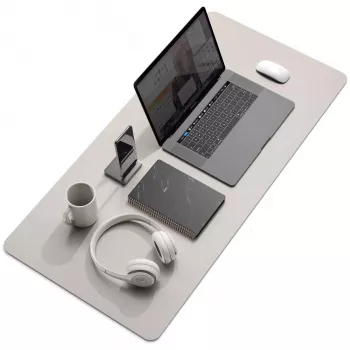
Large Waterproof PU Leather Desk Pad
Small add-on for office days
For a work setup that extends beyond the desk—especially commuting or on-site days—comfort and durability matter in what you wear, too. If you’re looking for a sturdy, polished footwear option, consider: Genuine Leather Chunky Heel Platform Loafers.
FAQ
Will a PU leather desk pad work with optical and laser mice?
Most modern optical and laser sensors track well on smooth PU leather surfaces. If tracking feels inconsistent, try adjusting DPI or the mouse’s surface calibration, since very glossy finishes can occasionally affect certain sensors.
How do spills get cleaned up without leaving marks?
Blot the spill right away, then wipe with a slightly damp cloth; use a small amount of mild soap if needed. Avoid harsh solvents like alcohol or acetone, and let the pad fully air-dry before placing devices back on top.
Does a desk pad protect against heat from laptops or mugs?
It can help with minor warmth, but it’s not a dedicated heat shield. Use a coaster or trivet for hot mugs, and make sure laptops have proper ventilation so heat doesn’t build up against the surface.
Recommended for you









Leave a comment